
Every feature, built for the job site
Punch List is a focused tool. Everything it does is designed for construction closeout. No bloat, no steep learning curve.
Multi-Project Management
Manage all your jobs in one place. Each punch list stores project metadata (name, company, consultant, client) plus a cover photo and reorderable items.
- Unlimited punch lists
- Project name, company, consultant, and client fields
- Cover photo per project
- Drag to reorder lists

Comprehensive Issue Tracking
Track every detail of each punch item: floor, room, sheet, description, comments, trade assignment, and resolution date. Fast Add mode keeps up with you on the walk.
- Floor, room, and sheet fields
- Issue description and comments
- Assign to trades or individuals
- Resolution dates and complete/incomplete status
- Fast Add mode for rapid entry

Photo Documentation
Attach up to eight photos per item from your camera or gallery. Annotate with 13 drawing colors, crop, and add automatic timestamps, all without leaving the app.
- 8 photos per item
- Camera and gallery import
- 13-color annotation tools
- Cropping and editing in-app
- Automatic timestamps
- Save annotated photos to device gallery

Sorting & Filtering
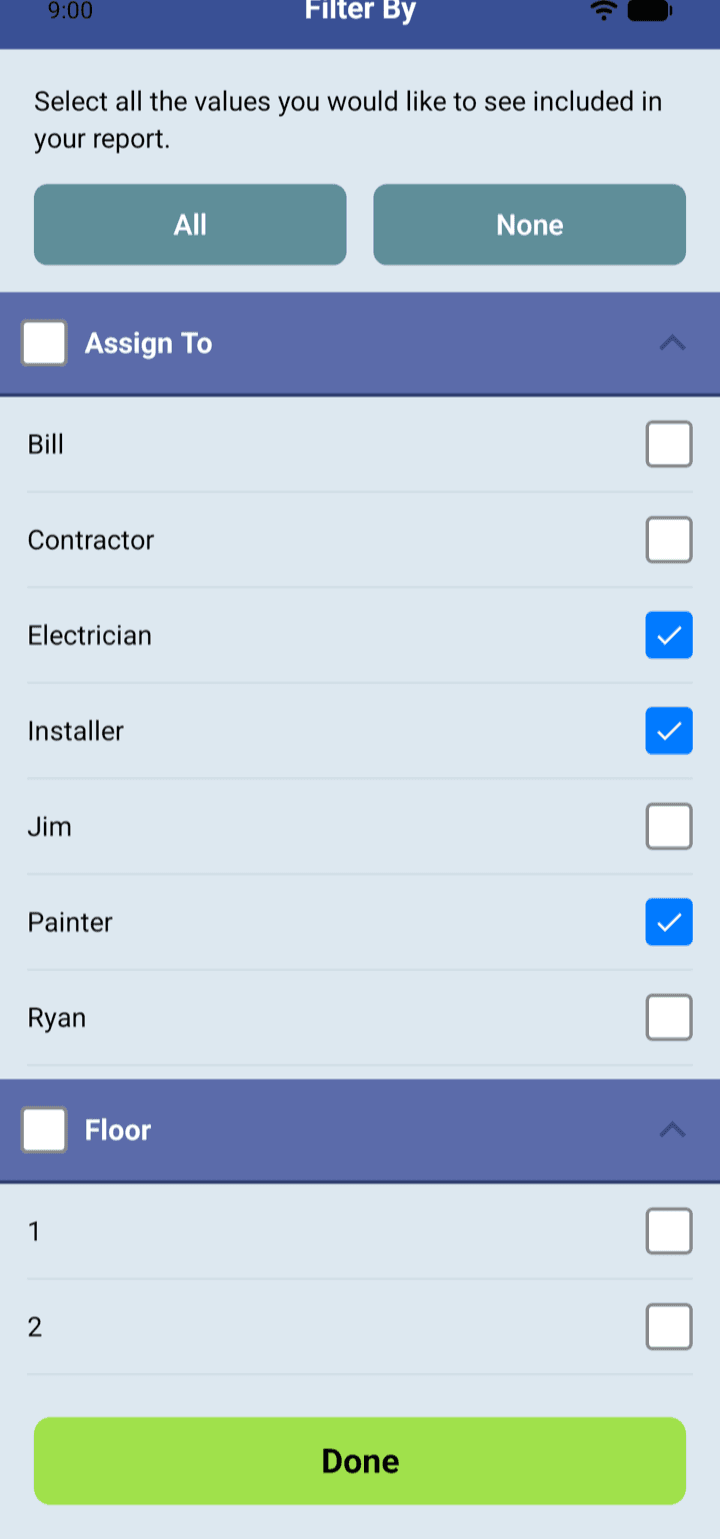
Slice your list any way you need it. Sort by six criteria. Filter by any combination of fields with compound OR-within / AND-across logic. No queries required.
- Sort by 6 options (floor, room, date, status, and more)
- Multi-select filter by any field
- Compound filtering: OR within a field, AND across fields
- Saved filter state during session
Professional PDF Reports
Generate print-ready PDF reports in minutes. Each report includes a branded cover page, itemized list with inline photos, and optional digital signatures.
- Branded cover page with your company logo
- All photos included inline
- Digital signature capture
- Filter by complete, incomplete, or custom selection
- Watermark removal (premium)

Customizable Field Labels
Rename any of the 14 field labels in the app to match your firm's terminology. Set company defaults so your name, logo, and consultant appear on every new project automatically.
- Rename all 14 field labels
- Company name, logo, and defaults auto-fill
- Custom logo for PDF cover pages
- Match your team's language and workflow

Cross-Platform Import/Export
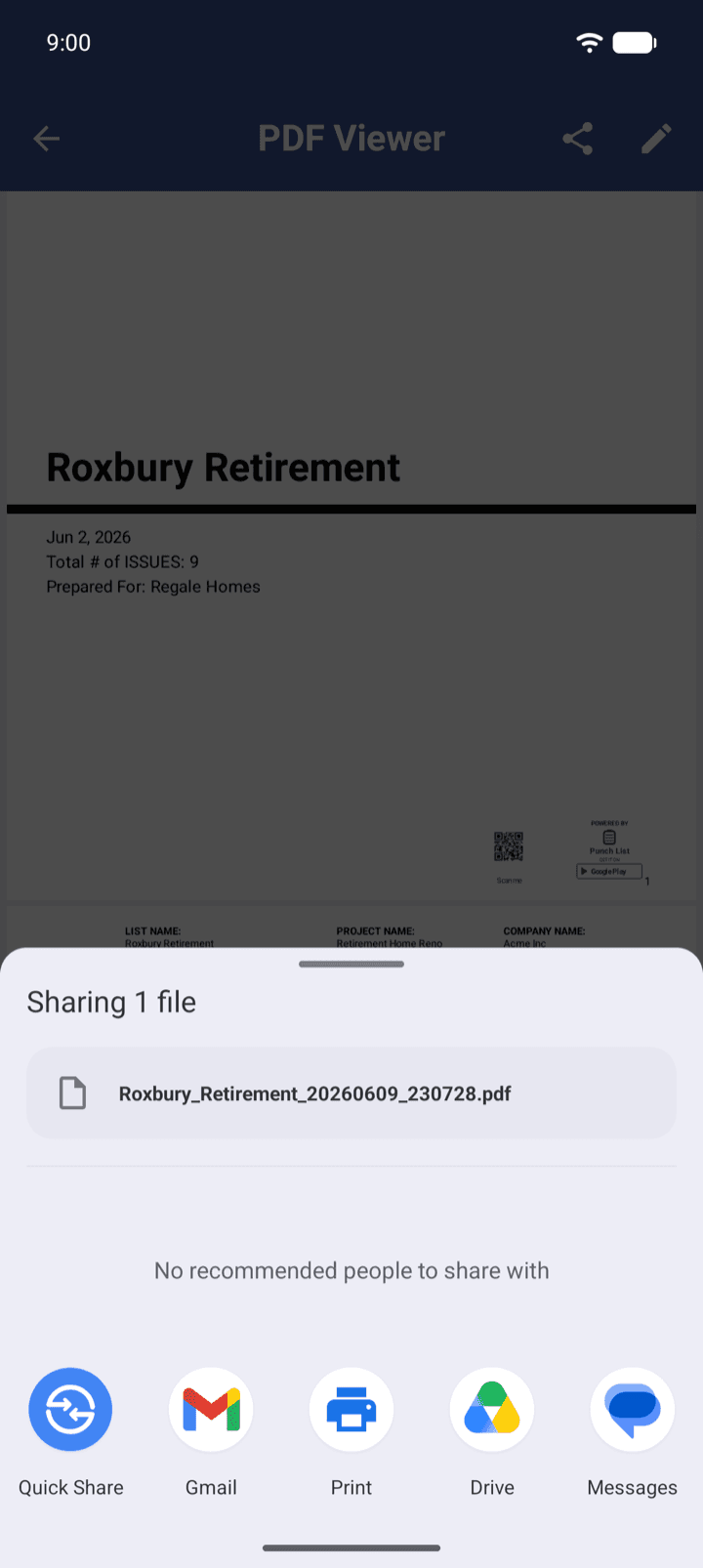
Export any punch list as a .pnch file and share it with anyone on the team, regardless of whether they're on iOS or Android. Share via email, text, AirDrop, or any app.
- Export punch lists as .pnch files
- Import on iOS or Android
- Share via email, text, AirDrop, and more
- All data and photos travel with the file
See the dedicated guide for your device: Punch List for iPhone & iPad or Punch List for Android.
Autocomplete
The Assigned To field learns from your previous entries and suggests names as you type. Email domain autocomplete speeds up team entry across large projects.
- Smart suggestions from previous entries
- Email domain autocomplete
- Works offline. No cloud lookup
- Speeds up Fast Add mode entry

Free to download. Premium when you need it.
All the core features are free. Upgrade only if you need PDF reports and import/export. Rolling out to a whole crew? See our punch list software for construction teams.
Free
Included- Create unlimited punch lists
- Photo documentation (8 per item)
- Photo annotation & cropping
- All sorting & filtering
- Customizable field labels
- Autocomplete
- Fast Add mode
- All organizational features
Premium
UpgradeEverything in Free, plus:
- Professional PDF report generation
- PDF cover page with company logo
- Digital signature capture
- Watermark removal
- Import punch lists (.pnch files)
- Export punch lists (.pnch files)
Free to download. Premium when you need it.
See every feature in action
Download Punch List free and take it to your next walkthrough.