
The punch list app for construction teams
Every crew member gets Punch List Pro by work email and signs in on any phone. Lists move between phones as files, every PDF carries your company name, and nobody needs an app store account. Per-seat pricing from 5 seats, MDM optional.
4.6 ★ · 3,548 ratings on the App Store · Free · Works offline

Trusted by general contractors, project managers, and inspectors on thousands of projects
Today
How crews use Punch List together
What a team gets the day it buys seats. Nothing here needs an MDM.
One seat per person, by email
Buy seats, add each person by work email from your account page, and they sign in with a 6-digit code on their own phone, personal or company. Pro unlocks on sign-in. Remove someone and the seat frees up right away.
Shared iPads through your MDM
For kiosk or pool devices with no single owner, push one license key through Intune, Jamf Pro, Workspace ONE, Iru (formerly Kandji), Mosyle, or Hexnode and every device activates on first launch.
Lists move between phones
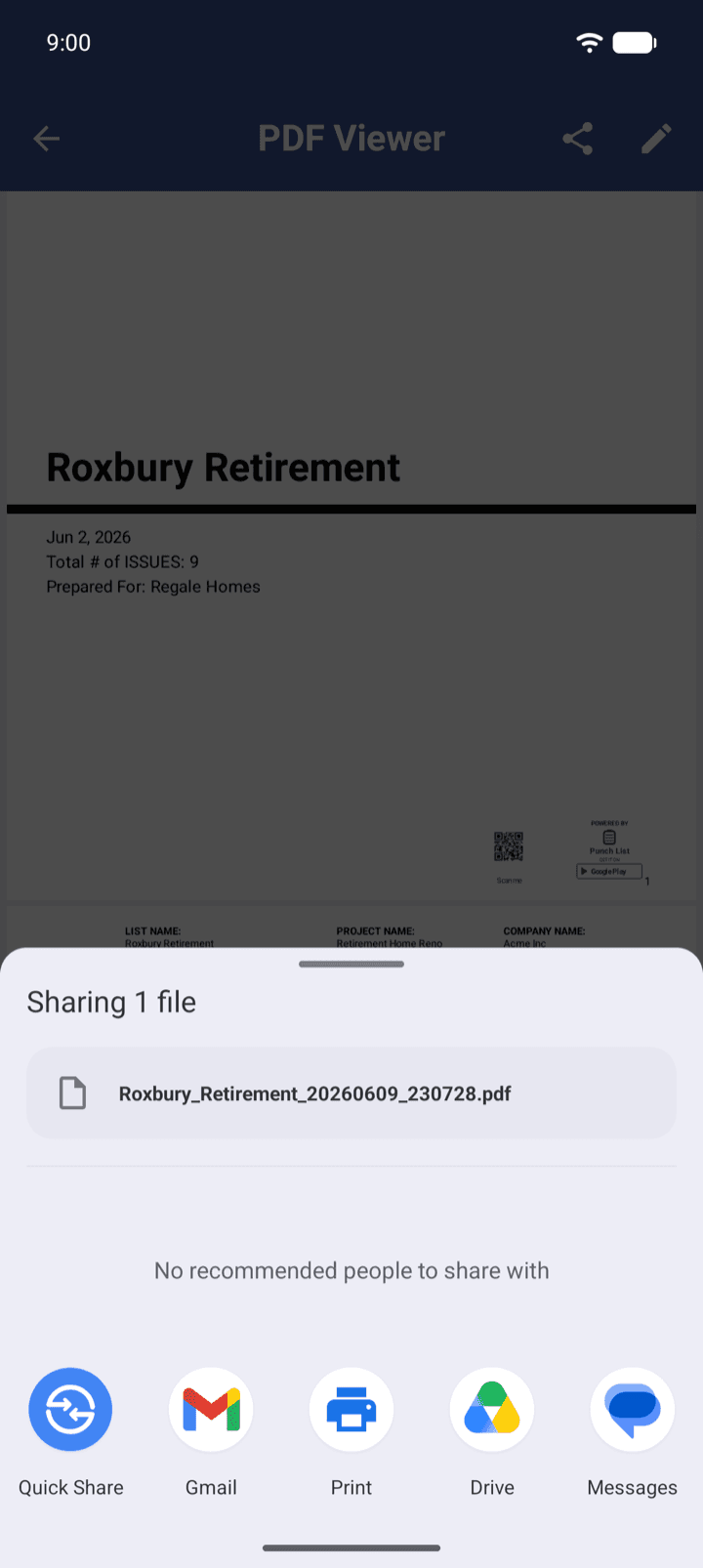
Export any punch list as a .pnch file and send it by Mail, Messages, or AirDrop. Import it on iPhone, iPad, or Android with photos and annotations intact, so a super on Android and a PM on iPhone work from the same list.
Your company name on every report
PDF reports carry your organization name on the cover, so every list your crew sends out looks like your company produced it.
Works offline, fully
Once activated, Pro stays active for up to 14 days without a connection. Basements, elevator shafts, and remote sites are fine.
No app store billing
One invoice and one renewal date. 5 to 500 seats self-serve by card; invoice or purchase order for larger teams.
Can my team share one punch list?
Not yet. Today one person owns each list and passes it to the next person as a file. Two people cannot edit the same punch list at the same time, and we would rather say that plainly than let you find out on a job site.
Shared lists between people are the most requested thing we hear from teams, and we are working out how to build them. If that is what your crew needs, tell us how you work and we will let you know when it ships.
Tell me when shared lists shipTeam pricing
Per-seat pricing that drops as you grow
Annual per-seat licensing from 5 seats. Every seat includes all of Punch List Pro on iOS and Android.
| Team size | Per seat / year |
|---|---|
| 5 to 9 seats | $69.99 |
| 10 to 24 seats | $59.99 |
| 25 to 49 seats | $49.99 |
| 50 to 99 seats | $39.99 |
| 100 to 500 seats | $29.99 |
| 500+ seats | Contact sales |
Full pricing and checkoutEnterprise and IT detailsMDM deployment guides
Reviews
What contractors say
4.6 ★ · 3,548 ratings on the App Store · Since 2016
“I’m a residential construction PM. This app genuinely helps me build better homes, stay organized, and provide a better product for consumers. I depend on it EVERY DAY.”
“The ability to create and customize reports is a big win.”
“We are able to create professional reports that can be sent to subcontractors.”
“Stop spending time writing up notes. This is an amazing time saving app.”
Team FAQ
Questions crews ask before buying seats
- Can my whole crew use one Punch List account?
- No, and you do not need to. Each person signs in with their own work email and takes one seat, so lists, reports, and sign-ins stay tied to a person. For shared devices with no single owner, a license key pushed through your MDM activates the device instead.
- Can two people edit the same punch list?
- Not today. One person owns a list and passes it to others by exporting a .pnch file, which keeps photos and annotations. Shared editing between people is the feature teams ask us for most, and it is what we are working out next. Use the form on this page to be told when it ships.
- Does the team version work on both iPhone and Android?
- Yes. Every seat covers Punch List Pro on iOS and Android, and the .pnch format is identical on both, so a mixed crew can pass lists back and forth.
- How do we roll it out?
- Buy 5 to 500 seats by card on the pricing page, add people by work email from your account page (one at a time, pasted, or from a CSV), and they sign in with a 6-digit code. Most teams are working the same afternoon. For invoice or purchase order billing, or more than 500 seats, contact sales.
- Does it work offline on the job site?
- Yes. Punch List works fully offline once activated. Devices only need to reach our servers for the initial license validation and a daily refresh, and Pro features remain active for up to 14 days without any connection.
- Where does our team's data live?
- On your devices. Punch List stores lists and photos locally on each phone or tablet, and there is no Punch List server holding your project files. A data processing addendum is available on request.
Give the whole crew Punch List Pro
Five seats or five hundred, by card, today.